Hardware Choice + Day 1 Security Setup for My AI-Maintained Second Brain
July 2026
Last time I wrote about the guardrails I put in place before letting an AI maintain a real knowledge base. This time: the actual hardware, and how I approached the first day of setup.
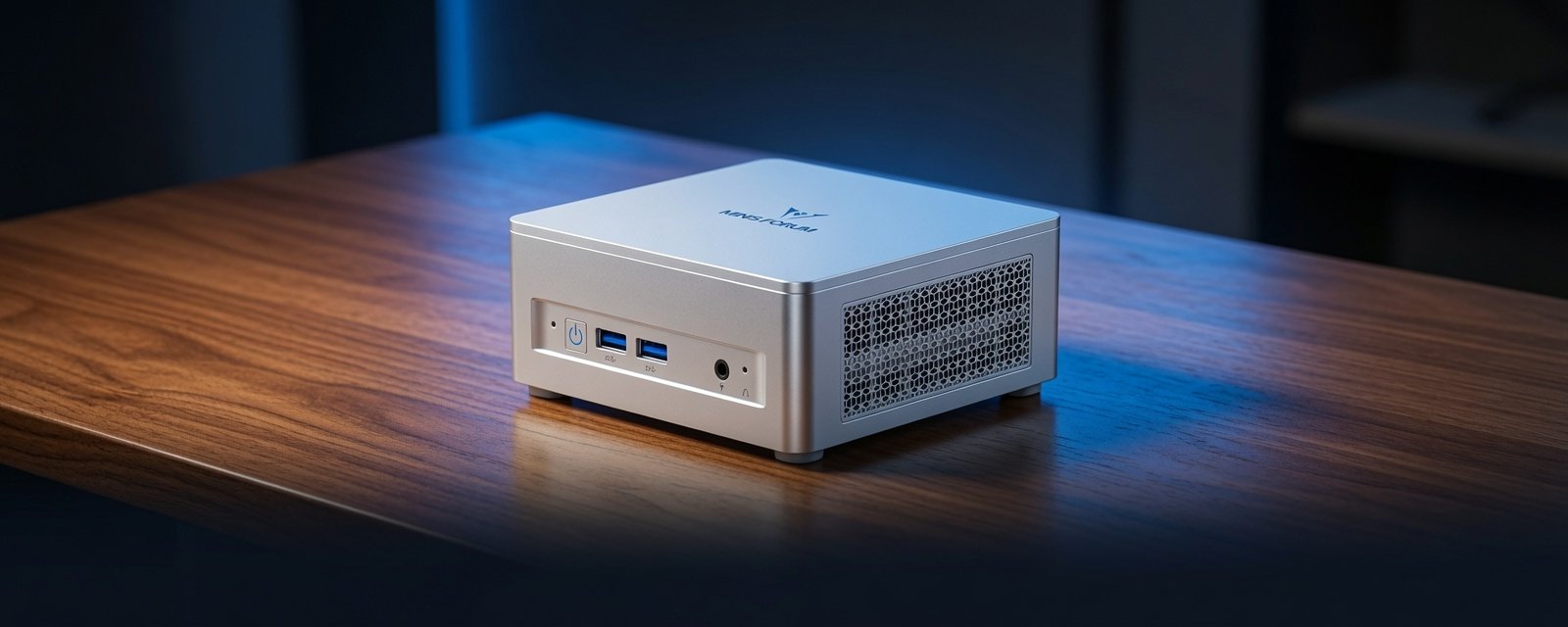
Picking the hardware
I used Grok to narrow down the options for the use case and settled on a MINISFORUM UM870 Slim Mini PC (affiliate link) — Ryzen 7 8745H, 32GB RAM, 1TB SSD.
One machine, one job: running Linux Mint, Claude Code, and the Obsidian vault. It stays headless most of the time. A monitor, keyboard, and mouse only come out for maintenance, and all three were already sitting around unused.
Why I chose a dedicated, non-root setup
This machine serves as the core of my second brain, so it has full read/write access to my personal notes, reflections, and long-term planning. That level of access made security a foundational requirement rather than an afterthought. I installed Linux Mint with full disk encryption, created a dedicated limited user account for Claude Code instead of my main account, routed remote access through Tailscale instead of opening ports, enabled UFW from the beginning, and installed no third-party skills or plugins until reliable backups and review processes were already in place.
These steps weren’t complicated, but they were intentional. I wanted the system to be contained before it ever held real data.
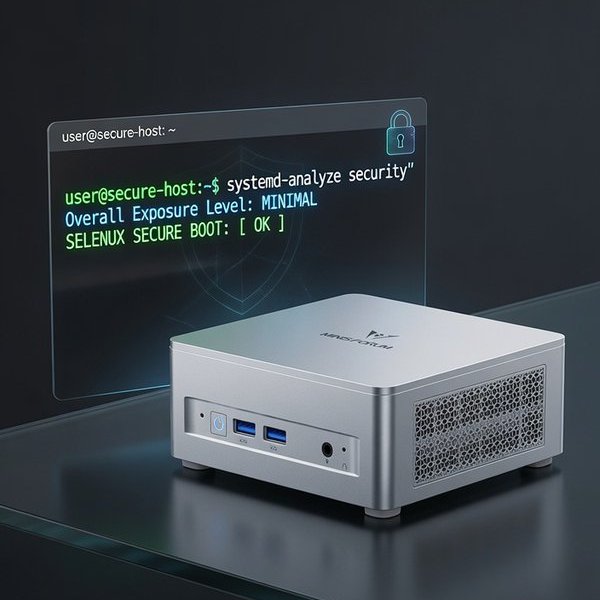
Contained first, useful second. That order was the whole point of day one.
What Day 1 actually looked like
Day 1 wasn’t about having a fully working second brain. It was about building a safe foundation. The goals were narrow on purpose:
- Get Linux Mint installed with disk encryption
- Connect the machine to my Tailscale network
- Copy the Obsidian vault over and confirm it opened cleanly
- Install Claude Code under the limited user account
- Place
CLAUDE.mdin the root of the vault with the guardrails active before Claude Code touched any real files
Everything else — the backup layers, session logging, and operating principles — came later through actual use rather than being fully planned on Day 1.
The lesson I’d give someone starting today
Don’t rush past the security and containment steps just to get to the interesting parts faster. The dedicated user account and the guardrails file only took about twenty extra minutes on Day 1. Every real incident since then has been contained specifically because those decisions were already in place before the system ever held meaningful data.
What comes next
Part 3 covers remote access in practice — the phone-side setup and the specific connectivity failures that only appeared once this stopped being a lab experiment and started being something I actually use every day.
Disclosure: The Minisforum UM870 link above is an affiliate link. If you buy through it, I may earn a small commission at no extra cost to you. I only link to gear I actually use. See the affiliate disclosure page for the full policy.
Originally published as an X Article on July 7, 2026.
If this helps you, check out my adblob to support the work.