Locking Down Remote Access for My AI-Maintained Second Brain
August 2026
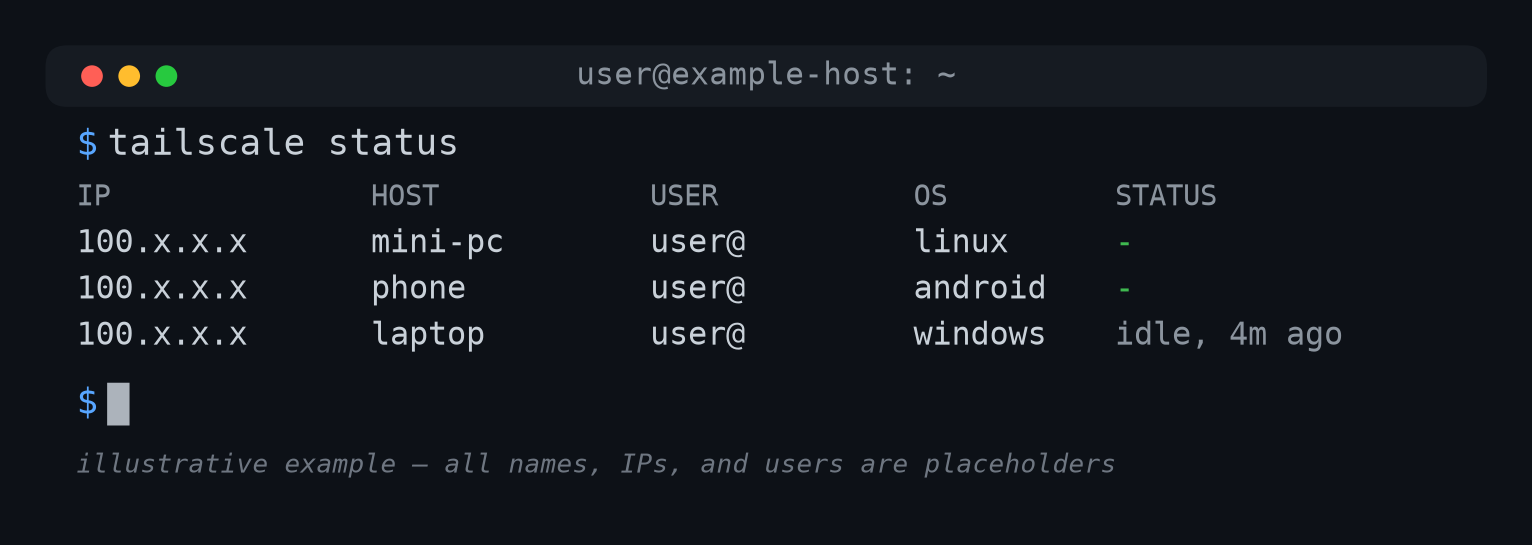
Sterile mockup, not a real capture — an actual tailscale status screenshot would expose personal network info.
The Second Brain system I’m running today didn’t start with a plan for dedicated, isolated hardware. I was thinking hosted space at first.
But as Grok and I continued to weigh the options, we kept coming back to dedicated, isolated hardware.
Illustrative, not the literal working notes — the real weighing happened in a Grok chat, not on paper.
Eventually I couldn’t argue against the idea anymore. A mini-PC with Linux Mint was the most attractive option. And right now it continues to work great!
The whole thing came together in under 24 hours — from receipt of machine to confirmed working access. But that cord plugged into the wall was a major limitation. I needed to reach the Second Brain System from a mobile device, not just at a desk.
Tailscale made that possible without ever exposing the machine to the open internet.
The Lockdown Setup
Tailscale creates a private mesh network between just my own devices. No port forwarding, nothing exposed to the open internet. SSH runs over that, authenticated by the connecting device’s tailnet identity — not a password or a separate key. From my phone, that’s Termux running ssh <username>@<tailscale-ip>.
That SSH login lands in my own admin account. Claude Code — the AI agent itself — never runs there. It’s reached only through a sudo switch to a separate, limited-privilege account that exists just for the AI.
From that limited account, Claude Code runs in server mode (claude remote-control --spawn worktree). I can spawn a fresh, isolated session from my phone whenever I need one.
Syncthing runs across the same private network, keeping the vault’s files mirrored between the mini-PC and my other devices, so I’m never editing a stale copy.
Reliability Challenges
Why can’t I connect? Something I didn’t expect: a locked-down path can still die quietly. Not from an attack — from the phone’s own operating system working against it.
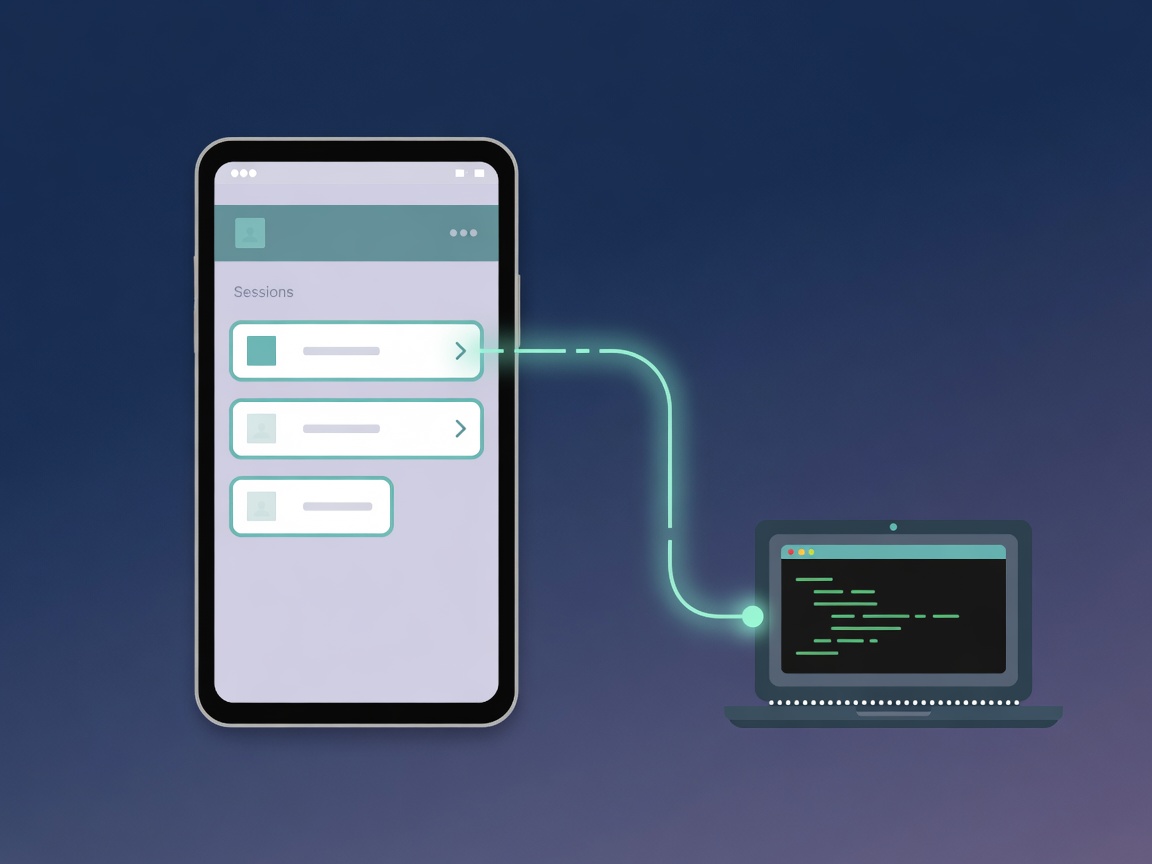
Where it actually broke
All connectivity incidents so far have traced back to either my phone or a utility service provider, never the mini-PC. For the phone, here are four separate issues found by the Second Brain System one at a time over about two weeks of real use:
Battery optimization — Android was quietly killing Tailscale, Syncthing, the Claude app, and Termux shortly after each one was used. They’d show “Connected” for a moment, then drop with no error. Fixed by exempting all four apps from battery optimization.
Syncthing offline on cellular — Syncthing stayed idle off Wi-Fi, because “Run on mobile data” was unchecked. Worked fine at home, silently didn’t on the go. Fixed by checking that one box.
A competing VPN — Android only lets one app hold the VPN slot at a time. My phone’s own built-in VPN grabbed it from Tailscale, with no mention of Tailscale in the notification. Fixed by turning the competing VPN off.
A security toggle that did more than advertised — Tailscale’s “Block connections without VPN” option dropped my active SSH session outright, not just the non-VPN traffic its label implies. Fixed by turning it off.
None of these showed up as an error on the mini-PC or over SSH. Every one looked fine from the server’s side — because it was. The only place any of them were actually visible was Tailscale’s own admin console.
The utility service issues were primarily power related and seem to have been remedied by the addition of a battery backup device.
The lesson I’d give someone setting this up today
The first instinct every time something disconnected was to fix the mini-PC. Restart the service, restart the process. That was wrong more often than it was right. The order that actually works:
- Check Tailscale’s admin console — a browser, no SSH needed. It confirms right away whether the mini-PC is really offline.
- Check the phone’s own battery, VPN, and mobile-data settings.
- Only then touch the mini-PC itself.
Most “outages” turned out to be a five-second phone fix, once I started in the right order.
Battery optimization, background data restrictions, and competing VPNs are things phone OSes do by default to save power. Reasonable for a phone. Hostile to a connection you need to stay alive in the background. Check those settings on Day 1, not after the second confusing dropout.
What comes next?
Part 4 covers designing the vault itself — the actual folder structure, atomic notes, and how a Map of Content keeps a growing knowledge base navigable instead of turning into a pile.
If this helps you, check out my adblob to support the work.